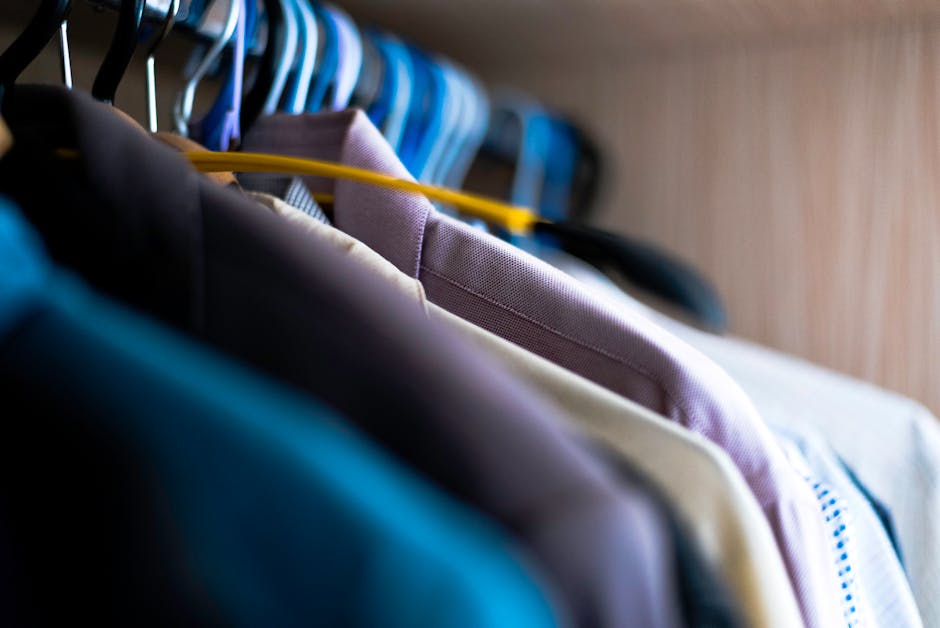
With remote work now the new normal, many professionals fall into a comfortable yet misleading trap: believing that off-camera casualness won't compromise efficiency or professional image. However, this overlooks the deep logic behind video conference dress etiquette—not merely an aesthetic display, but a precise interplay of psychological suggestion and technical presentation. Neglecting your remote work image effectively dismantles the final physical barrier between work and life. The psychological concept of "enclothed cognition" suggests clothing reshapes cognitive states; appropriate business casual attire sends a clear "start work" signal, effectively countering the mental slack and sluggishness induced by the home environment.
Why Does Working from Home Also Need a "Sense of Ritual"? A Psychological Perspective on Attire
Today, as remote work becomes the norm, many people face a tempting choice: since the camera only captures the head, why not wear pajamas all day, or just throw a hoodie over pajamas?
Although comfort is the biggest bonus of working from home, completely abandoning dress standards might subtly weaken your professional performance. This isn't about vanity towards others, but about controlling your own brain.
"Enclothed Cognition": How Clothes Change Your Thinking
There is a famous concept in psychology called "Enclothed Cognition". Simply put, it is not just you wearing the clothes; the clothes are also "wearing" you. Research shows that the symbolic meaning of clothes directly affects the wearer's psychological state and cognitive processes.
When you wear pajamas or loungewear, the signals your brain receives are "rest," "relaxation," and "sleep." This psychological suggestion leads to mental slackness and a decline in reaction speed. Conversely, when you change into a shirt or a textured top, you are actually sending a clear command to your brain: "It is professional time now." This psychological intervention brought by attire can significantly improve attention and task execution, even if no one is watching you.
Rebuilding the Vanished "Physical Boundaries"
The biggest pain point of working from home is often the blurred boundary between work and life. In the office era, the commute, clocking in, and walking into the office building were all physical rituals to enter "work mode." At home, walking from the bedroom to the study (or even the dining table) takes only five seconds, making it difficult for the brain to complete this mode switch.
Changing clothes is the new "commute" in the work-from-home era.
Taking off pajamas after waking up in the morning and changing into a decent top is in itself a powerful Mental Boundary. It helps you establish a sense of urgency for work in the morning; equally important, changing back into loungewear after work helps you truly "clock off" and avoid professional burnout.
Invisible Respect on Both Ends of the Screen
Besides self-psychological construction, attire is also a non-verbal communication tool. As pointed out in Color Psychology in Social Videos, visual elements (including color and image) greatly affect the audience's perception and trust.
Even in front of a low-resolution webcam, the information conveyed by a crisp shirt versus a T-shirt with a loose neckline is vastly different:
- The former conveys: "I value this meeting, and I am ready."
- The latter might imply: "I just got up, or I don't care about this occasion."
This "visual etiquette" is particularly important when communicating with clients or senior management across departments. Maintaining a professional image is not just about pleasing others; it is a strategy to establish authority and control the atmosphere of the conversation. You don't need to wear a full suit at home, but you need to dress in a state of being "ready to solve problems at any time."
A "Technical" Guide to On-Camera Dressing: Avoiding Camera Pitfalls
Many people look in the mirror to tidy up before a video meeting, thinking they "look good" and logging on with confidence, only to appear pale, grainy, or even have their clothes "flickering" on their colleagues' screens. The core reason for this discrepancy is: You are dressing for an industrial-grade camera sensor, not for the human naked eye.
To master "on-camera dressing," you first need to understand that the working principle of cameras (especially the low-resolution webcams built into laptops) is completely different from that of the human eye. This is a technical issue regarding optics and digital signal processing, not purely an aesthetic one.
"Perfection" in the Mirror Could Be a "Disaster" for the Camera
When capturing images, camera sensors are subject to the triple limitations of resolution, Auto-Exposure, and video compression algorithms. If you ignore these technical variables when choosing your outfit, you will fall into common "camera traps":
- Auto-Exposure Errors: Most webcams use global metering or face-priority metering. If you wear a pure white or highly reflective shirt, the sensor will lower the overall brightness to suppress the overexposure of the clothes, causing your face to look dim and unclear; conversely, wearing pure black clothing that absorbs light heavily may cause the camera to forcibly brighten the image, leading to a surge in noise and degraded image quality.
- Compression Algorithm Smearing: Meeting software like Zoom or Teams performs high-intensity real-time compression on video streams to ensure smoothness. Fine textures that look very high-quality to the naked eye (such as fine linen or subtle jacquard patterns) are often identified as "noise" by algorithms after encoding and compression, resulting in smearing. This causes the clothes to look like a blurry block of color, losing their original sophistication.
- Sensor Pixel Conflict: This is the trickiest technical issue. The camera's photosensitive element (CMOS) is composed of a neatly arranged grid of pixels. When the density of the texture on your clothes conflicts with the density of the sensor's pixel grid, severe visual interference occurs.
Therefore, the dressing strategy for working from home must shift from "comfortable and good-looking" to "clarity compromised by technical limitations." The following content will delve into the most typical and easily overlooked optical interference phenomena to help you precisely avoid these pitfalls.
The Moiré Effect: Why You Should Say No to Pinstripes and Checks
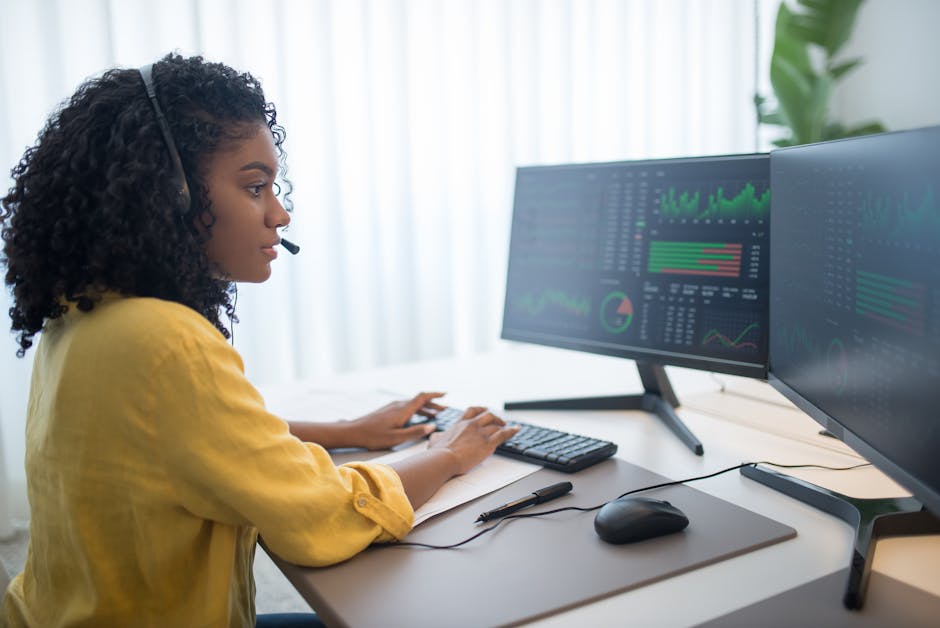
In video conferences, you may have encountered this awkward scene: you are wearing a well-tailored pinstripe shirt, but on your colleague's screen, your clothes seem to be "dancing," producing a dizzying ripple or rainbow interference. This visual distortion phenomenon is called the Moiré Effect.
What is Moiré?
From a technical perspective, Moiré is an optical interference phenomenon. When two periodic patterns with similar frequencies overlap—in the context of video conferencing, this is the dense texture on your clothes (such as pinstripes or fine checks) and the pixel grid of the camera sensor—they clash.
As explained in Sina Tech's reveal on Moiré patterns, when the photosensitive element's (CCD or CMOS) pixel array cannot resolve the overly dense texture details on clothing, it produces these non-existent, visually distracting wavy stripes. This not only distracts the other party but also causes the video encoder to consume more bandwidth to process this noise, leading to video lag or degraded image quality.
Which Patterns Are "High-Risk Zones"?
To ensure your professional image isn't ruined by technical glitches, you need to learn to identify and avoid patterns that trigger sensor "confusion." Here is a safety checklist for on-camera dressing:
Pattern Type | Risk Level | Screen Performance | Recommendation |
|---|---|---|---|
Pinstripes | 🔴 Extremely High | Produces violent ripple jitter, lines become blurry | Avoid absolutely. If you must wear stripes, choose wide stripes with spacing greater than 1cm. |
Houndstooth | 🔴 Extremely High | Rainbow-colored noise appears, image looks "dirty" and grainy | Avoid absolutely. This complex repetitive pattern is a camera's nightmare. |
Small Checks | 🟠 High | When moving the body, grid lines break or flicker | Unless the checks are very large and low contrast, suggest changing. |
Herringbone/Fine Corduroy | 🟠 Medium | Looks like solid color from afar, but produces ripples close up or under highlights | Choose carefully. Depends on camera resolution and lighting angle. |
Solid Colors | 🟢 Safe | Image is clean, stable, highlights facial expressions | First choice. Navy, charcoal grey, or jewel tones work best on camera. |
Why Are Solid Colors Always the Right Answer?
Although to the naked eye, fine textures can reflect the premium quality of the fabric, under restricted bandwidth and camera resolution, these details not only cannot be restored but instead become visual interference.
For professionals seeking efficient communication, Solid Colors are the safest technical choice. It ensures that regardless of the camera resolution you use or the other party's network conditions, your image remains clear, sharp, and focused. If you don't want your shirt to "steal the show" on screen, please save those exquisite fine textures for offline meetings, and stick to the principle of "less is more" in front of the lens.
Color and Exposure: How to Prevent Being "Auto-Whitened" or "Swallowed" by the Camera
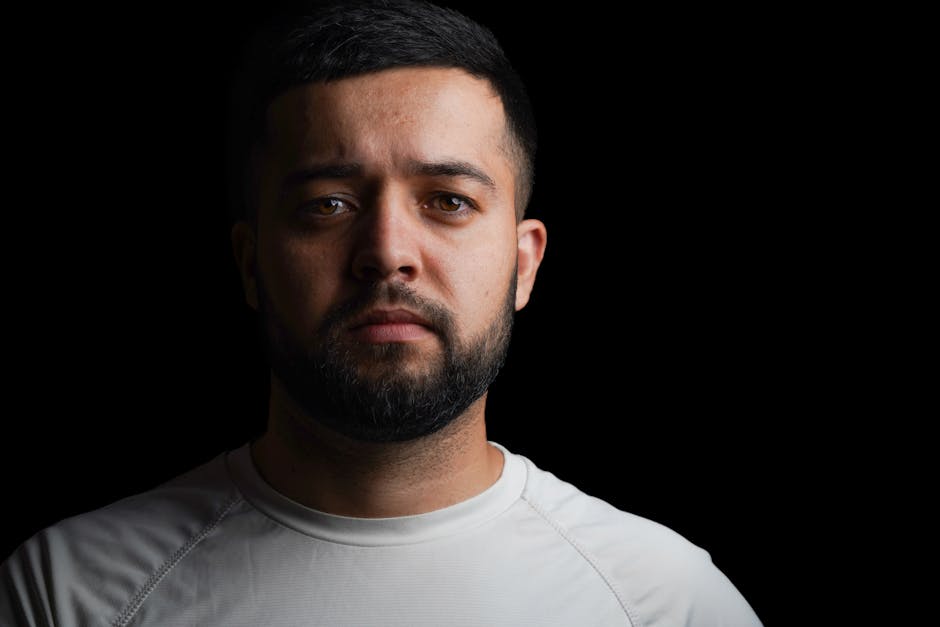
When choosing attire for video conferences, many people only consider "appropriateness" while ignoring "Sensor-Friendliness." The dynamic range of home webcams is far inferior to the human eye, and their light processing is very mechanical. If you don't understand the camera's auto-exposure logic, even an expensive high-end shirt can make your face look dull or your silhouette blurry in the frame.
Beware the "Auto-Exposure" Trap: Why Does a White Shirt Make You Look Dark?
To the naked eye, a crisp, bright white shirt is a symbol of professionalism. However, in front of a video lens, large areas of pure white (High-Key White) become the brightest light source in the frame. To prevent the white shirt from being "overexposed" (turning into a dead white patch with no visible crease details), the camera's auto-exposure system will automatically lower the overall exposure of the image.
Result: The details of the shirt are preserved, but your face becomes dim and lackluster due to underexposure. Unless you have professional lighting equipment to separately illuminate your face, under natural light or ordinary indoor lighting, a pure white shirt is often the culprit behind a "bad complexion."
Reject the "Floating Head" Effect: The Risks of Pure Black
Conversely, pure black or extremely dark clothing absorbs a large amount of light. If your background is dark (e.g., bookshelf shadows) or you are sitting in a black office chair, the camera will be unable to distinguish your torso from the background. This lack of contrast creates a "floating head" visual effect—your body seems invisible, leaving only a head bobbing in the frame. Additionally, in order to see details in the black clothing, the camera might forcibly increase sensitivity (ISO), causing a lot of coarse noise in the image.
Best Strategy: Embrace "Mid-tones" and "Low Saturation"
To achieve the most natural skin tone representation, you need to use clothing color to help the camera balance exposure. Mid-tones are the best choice for video conferences; they reflect a moderate amount of light, neither deceiving the metering system nor failing to provide sufficient silhouette clarity.
It is recommended to prioritize the following color families, which are also considered classic and professional choices in the color palette of business casual wear:
- Navy Blue or Dark Grey-Blue: Has more depth than pure black, clearly outlines the figure, and appears professional and calm.
- Sage Green or Grey-Green: Soft tones make the image look clean without causing color bleeding.
- Soft Blue (Chambray): This is the safest "broadcaster color"; it slightly brightens the skin tone and fits almost all backgrounds.
Action Guide: Background Contrast Test
Before officially starting a meeting, be sure to do a simple "contrast check": open the camera preview and observe if your shoulder lines are clearly visible.
- If the background is a white wall: Avoid wearing light colors or white; switch to dark blue or charcoal grey to use dark clothing to "cut" yourself out from the background.
- If the background is cluttered or dark: Avoid wearing black or dark brown; switch to medium-brightness blue or grey to ensure a distinct boundary between you and the environment.
Finding the Balance Between "Comfort" and "Formal": Zoom-Friendly Fabric Recommendations
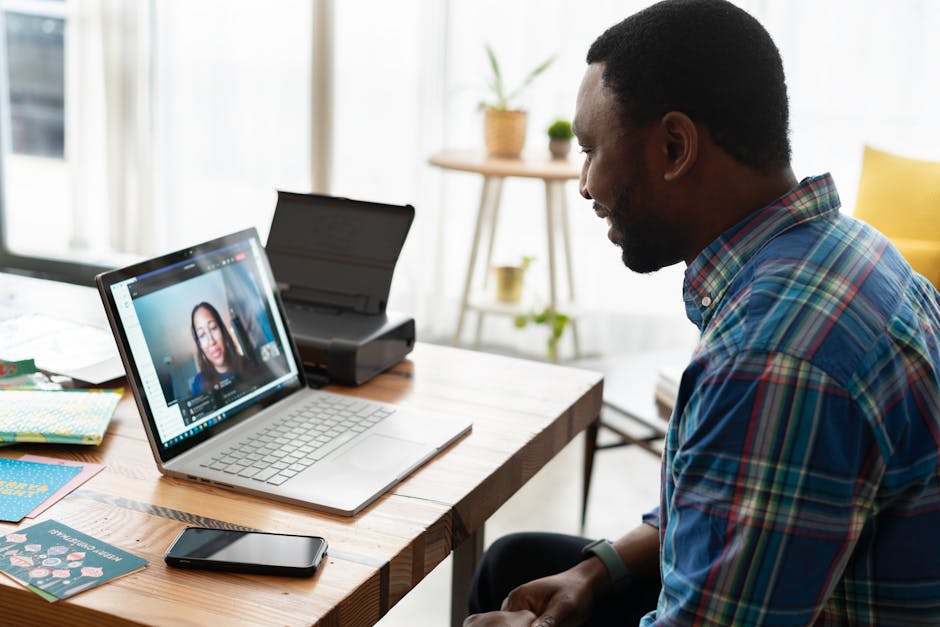
Many people fall into an "either/or" trap when working from home: either dressing exactly like they are in the office, sitting at the dining table in a full suit and feeling extremely uncomfortable; or letting themselves go completely, wearing pajamas or old T-shirts to meetings, resulting in a complete lack of professionalism on camera.
In fact, the best attire solution for video conferences lies not in this binary opposition, but in finding the "middle ground." This style is often referred to in the modern workplace as "Soft Structure" or "Knitted Formal." Its core logic is: utilizing the physical properties of fabrics to present a "crisp" visual effect before low-resolution cameras, while maintaining pajama-like comfort in terms of touch.
Core Strategy: Centering on "Neckline" and "Shoulder Line"
In the video frame, only the chest up is visible. Therefore, fabric selection should focus on materials that can enhance the neckline and shoulder silhouette.
1. Polo Shirts: The Underrated "Camera Secret Weapon"
Polo shirts are the most cost-effective choice for video conferences. Especially Polo shirts made of Pique material, as the fabric has a natural micro-three-dimensional feel and won't drape limply against the body like ordinary cotton T-shirts.
- Visual Advantage: The collar design effectively enhances the neckline, making you look sharp and capable.
- Comfort: Breathable and elastic, suitable for long-term wear.
- Buying Advice: Choose dark or neutral colors (such as navy blue, charcoal gray) and avoid styles with large logos. As pointed out in some Men's Workplace Outfit Guides, this style between business and casual (Smart Casual) can demonstrate an "expressive and versatile" professional image.
2. Knit Blazers and Cardigans
If you need to host a meeting or face important clients, traditional wool suits might appear too formal and restrictive. In this case, Knit Blazers are the perfect substitute.
- Material Characteristics: They are usually made of cotton or wool blends; structured like a suit, but feel like a thick sweater.
- Camera Effect: Under 720p or 1080p cameras, it is difficult for the audience to distinguish them from traditional suits, but your body language will appear more natural and relaxed due to the comfort of wearing them.
- High-Quality Cardigans: A Shawl Collar Merino wool cardigan can also achieve a similar effect; it adds visual weight to the shoulders, making you look more composed.
Avoidance Guide: Fabrics Cameras "Hate"
Some fabrics look high-end to the naked eye, but become a disaster under camera sensors.
- Silk and Satin: These fabrics are too reflective. Under unprofessional home lighting, silk reflects screen light or overhead lights, causing highlight clipping in the image, making your clothes look like they are "glowing," and even interfering with the camera's auto-exposure judgment, causing the face to darken.
- Loose Pure Cotton T-shirts: The most fatal problem with this fabric is neckline deformation. On camera, a loose neckline makes you look tired and sloppy.
- Hoodies: Unless you are in an internal technical meeting at a tech startup, the heavy hood piling up behind the neck destroys the clean lines of the shoulders and neck, appearing unprofessional.
Summary Advice: Build a dedicated "Zoom Capsule Collection" in your wardrobe. Just prepare two or three dark Polo shirts and a well-cut knit jacket, and you can switch from "Home Mode" to "Meeting Mode" within 30 seconds, neither compromising your body's comfort nor losing your professional presence.
Beyond Clothes, These Three Details Determine Your "Professional Filter"
When preparing for video conferences, many professionals often spend 90% of their energy choosing upper-body clothing, yet overlook that the final effect presented by the lens is determined by a system. This is like wearing the most expensive costume in a theater but standing in a dark corner—the audience still cannot see your professionalism.
In the context of video conferences, the "Professionalism Triad" consists of attire, lighting, and angle. If the lighting is dim or the angle is awkward, even a decent shirt will look cheap. Adjustments in the following three dimensions can instantly enhance your image quality, adding an invisible "professional filter" for you.
1. Lighting Layout: Light determines if you are the "Protagonist" or a "Silhouette"
Lighting is the most critical and easily messed up part of video conferences. The most fatal mistake is Backlighting—sitting in front of a bright window with the camera facing the light. To suppress the strong background light, the camera's sensor will automatically darken the foreground, turning your face into a black silhouette, making it impossible to convey any facial expressions or eye contact.
To solve this problem, you need to establish a basic lighting logic:
- Main light source directly in front: Use natural light facing a window, or place a desk lamp behind the computer.
- Light quality should be "soft": Direct light from a desk lamp is too hard, causing heavy shadows on the sides of the nose and eye sockets, appearing tired and stern. It is recommended to use lamps with softboxes, or simply shine the light against a wall to utilize diffuse reflection. According to professional advice, soft light can reduce shadow contrast, making the skin appear fairer and smoother, which is crucial for concealing the fatigue of working from home.
- Unified color temperature: Try to avoid mixed light sources (such as cold blue light from outside the window mixed with warm yellow indoor lights), which will cause automatic white balance to fail, making skin tone appear greenish or yellowish.
2. Makeup Adjustment: "Oil Control" for Low-Resolution Sensors
High-definition cameras and video compression algorithms process human faces differently than the naked eye; they are very sensitive to highlights. A healthy skin glow in reality is often processed into a "greasy face" in the lens.
- Matte Finish: "Oiliness" in front of the camera is easily interpreted psychologically as nervousness, sweating, or untidiness. Regardless of gender, blotting the forehead and nose wings with oil-absorbing paper or sweeping on a layer of transparent loose powder before a meeting can immediately improve the freshness and professionalism of the image.
- Contour Definition: Low-pixel transmission will "flatten" the three-dimensional sense of facial features. If your eyebrows are light or you wear glasses, appropriately darkening the eyebrow shape or applying lipstick that enhances complexion helps convey firm emotions through facial features in a blurry image.
3. Shooting Angle: Physical Height Determines Psychological Height
The physical position of the camera directly affects your psychological aura. The vast majority of people are used to placing laptops directly on the desktop, resulting in the camera shooting upwards (Up-the-nose angle). This "death angle" not only reveals a double chin but also makes the other party feel that you are looking down at them through your nostrils, creating an unconscious sense of arrogance or alienation.
Actionable Tip:
- Elevate the device: Find a few books or use a stand to raise the laptop camera to a position parallel to your line of sight or slightly higher by 5-10 centimeters.
- Eye-level communication: When you look at the camera while speaking, you are making eye contact with the other person on their screen. This eye-level angle best conveys a professional attitude of equality, sincerity, and confidence.
When you combine Zoom-Friendly fabrics, soft frontal lighting, and an eye-level camera angle, you master the complete "Professionalism Triad." This is not only respect for the attendees but also the lowest-cost way to establish personal authority in remote work.
Lighting and Angles: Don't Let Shadows Ruin Your Image
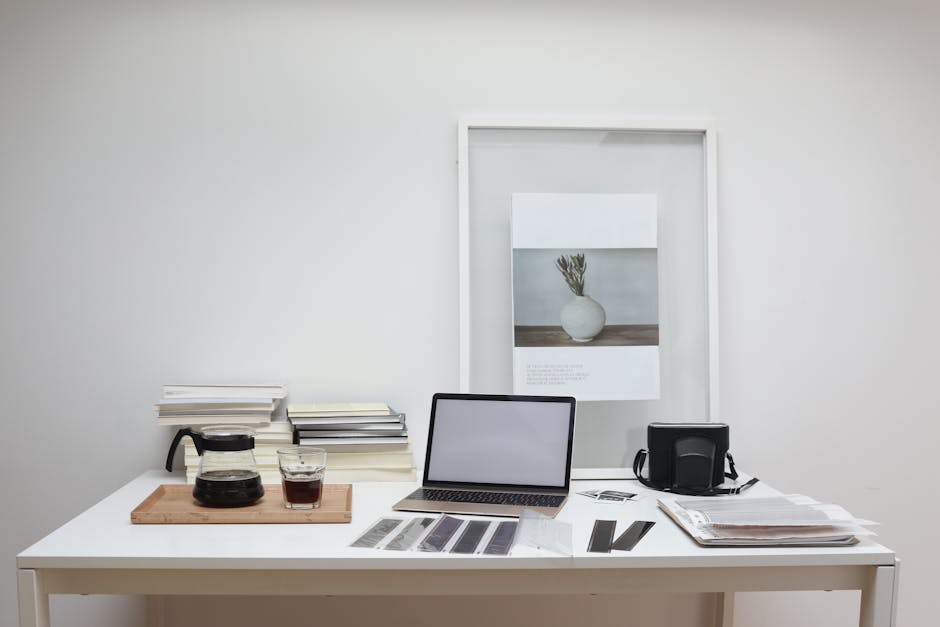
Even if you are wearing the most appropriate shirt, if the lighting is dim or the angle is awkward, your professional image will instantly suffer. Lighting and angles are the "invisible tailors" of video conferences; they determine whether you look radiant or like you are being forced to connect from a dark corner.
1. Find "Soft" Light Sources: Face the Light, Don't Backlight
The core principle is that the light source should be directly in front of you.
- Prioritize Natural Light: If it is daytime, try to sit facing a window. Natural light illuminates the face evenly and provides the best complexion. Avoid sitting with your back to the window; that is a typical "backlit blind spot" that will turn your face into a dark silhouette where expressions cannot be seen.
- Artificial Light Tips: If it is nighttime or you are in a room with poor lighting, never shine a desk lamp directly at your face. This creates harsh shadows and facial glare similar to an "interrogation room." An effective advanced technique is to use diffuse reflection: shine the desk lamp against the white wall behind the computer, using the light reflected back from the wall to create a soft light effect similar to a professional live broadcast studio. This softens skin texture without being glaring.
2. Reject the "Nostril View": Elevate Your Camera
Placing a laptop directly flat on a desk is the most common mistake in video conferences. Since the camera position is too low, the audience is forced to look up at you (the "nostril view"). This not only visually creates a double chin but also conveys a subconscious sense of arrogance or detachment.
Immediate Action:
- Physical Elevation: Use a laptop stand, or simply stack a few thick books under the computer.
- Eye Level: Adjust the height until the camera lens is level with your eyes (Eye Level). This level angle is closest to offline face-to-face communication and can effectively convey a professional image of sincerity, equality, and focus.
Scenario-Based Suggestions: Dress Strategies for Different Meeting Levels
Not every video conference requires you to be fully armed, but a "one-size-fits-all" casual look is often an invisible killer of professional image. In front of the camera, your attire is not just a fig leaf, but a silent expression of the importance you attach to the meeting.
Based on the weight and audience of the meeting, we can categorize dress strategies into three levels. Mastering this tiered strategy helps you find the precise balance between comfort and professionalism.
1. Internal Regular Meetings and Daily Stand-ups (Low Stakes)
Target Signals: Efficient, neat, ready for action.
Recommended Style: Smart Casual.
For daily team syncs or informal discussions, being overly formal can seem out of place and even create unnecessary distance. The strategy here is "comfortable but stylish."
- Men: Clean solid-color T-shirts or Polo shirts are the best choice. Avoid pajamas, tank tops, or sweatshirts with exaggerated logos. The collar structure of a Polo shirt can effectively enhance the definition of facial contours and has more of a workplace vibe than a standard crew neck T-shirt.
- Women: Knitwear, simple solid-color tops. Avoid fabrics that look too "homey" (like pilling flannel) or neckline designs that are too revealing.
2. Client Proposals and Cross-Departmental Reporting (Medium Stakes)
Target Signals: Authoritative, credible, respectful.
Recommended Style: Business Casual.
When facing external clients or reporting to upper management, you need to build trust through your attire. At this point, you need to strip away obvious "home" elements and show a state of being ready to walk into the office at any moment.
- Core Items: Collared shirts are standard for this level. If you don't want to look too stiff, you can choose high-quality Oxford shirts or silk shirts.
- Advanced Tips: Keep a casual blazer on the back of your chair. Putting on the jacket one minute before the meeting starts can instantly boost your presence, especially when you need to emphasize a point; the structured shoulder lines can increase your persuasiveness.
3. Video Interviews and Executive Board Meetings (High Stakes)
Target Signals: Ultimate professionalism, all-in, zero risk.
Recommended Style: Business Professional.
In job interviews or decisive meetings, risk control takes precedence over personal expression. As suggested in the Academic Conference Dress Guide, when unsure of the other party's expectations, business style is always the "safe card."
- Strategy: Full formal wear. Although the camera only captures the upper body, it is recommended to wear a proper shirt even at home. This is not only to prevent embarrassment if you stand up unexpectedly but also to force yourself into "combat mode" through a sense of ritual.
- Pitfalls: Even with formal wear, avoid fine stripes or small checks. These patterns easily generate Moiré Patterns under the camera, causing screen flickering and distracting the interviewer.
Summary: Dress Code Tier Comparison Table
To facilitate execution, you can refer to the following comparison table for quick decision-making:
Meeting Type | Risk Level | Recommended Dress Strategy | Core Logic |
|---|---|---|---|
Internal Stand-ups / Brainstorming | Low | Smart Casual<br>Solid T-shirt / Polo shirt / Knitwear | Keep neat, avoid sloppiness, reflect a "working" state. |
Client Proposals / Quarterly Reports | Medium | Business Casual<br>Collared shirt / Shirt + Casual Blazer | Establish authority, show respect for the audience's time. |
Job Interviews / Key Negotiations | High | Business Professional<br>Formal shirt + Dark Blazer | Eliminate all risks of losing points due to image, show maximum sincerity. |
Golden Rule: Being slightly "overdressed" is always safer than being "underdressed."
In a remote environment, due to the lack of body language and environmental atmosphere, the other party's judgment of your image will be highly concentrated on the visual information within the screen frame. If you are hesitating between a T-shirt and a shirt, please choose the shirt without hesitation. The cost of being considered "unprofessional" is much higher than being considered "too formal."
Summary: The "5-Minute Self-Check List" Before Video Conferences
In today's era where remote work has become the norm, video conferences are not just communication tools, but an extension of your professional image. To ensure you present your best self every time you go online, it is recommended to reserve 5 minutes before the meeting starts to conduct a quick self-check using the following list. This will not only avoid technical awkwardness but also help you psychologically switch into "work mode."
- Clothing Fabric Test (1 minute): Open your camera preview, move your body slightly, and observe if your clothes create ripples or flickering on the screen. Avoid shirts with fine stripes or checks, as these patterns easily trigger the Moiré Effect, causing dizzying interference patterns in the video. If you notice anything unusual, immediately change into solid colors or clothing with large color blocks.
- Light Source and Exposure Calibration (1 minute): Ensure the main light source is located directly in front or to the side-front of your face, avoiding backlighting that turns your face pitch black. If using a desk lamp for fill light, adjust the angle to eliminate deep shadows in the eye sockets and under the nose, keeping facial lighting even and soft.
- Background "Minesweeping" Operation (1 minute): Quickly scan the background area behind you. Remove any clutter that might distract attention (such as old clothes hanging on the back of the chair, unorganized piles of books, or reflective mirrors). Keeping the background tidy does not mean you need a white wall; an orderly lived-in atmosphere can also reflect professionalism, but "messiness" is absolutely forbidden.
- Camera Angle and Line of Sight (1 minute): Elevate your laptop so that the camera is parallel to your line of sight. Avoid the "nostril view" caused by looking down at the lens; this angle makes you look arrogant and unapproachable. An eye-level angle best simulates the realism of face-to-face communication and helps build trust.
- Final Grooming Confirmation (1 minute): Look in the mirror to check if there is anything stuck in your teeth, if your hair is neat, and if your collar is folded properly. This is not just etiquette, but a psychological cue: I am ready to face work with a professional posture.
Final Advice:
Do not underestimate the cumulative effect of these details. When your image is clear, your attire is appropriate, and the lighting is bright, your voice carries more weight, and your views are more likely to be taken seriously. Mastering these tiny points of video conference etiquette is essentially sending a clear signal to the other end of the screen: No matter where you are, you always maintain respect for your work and professional integrity.